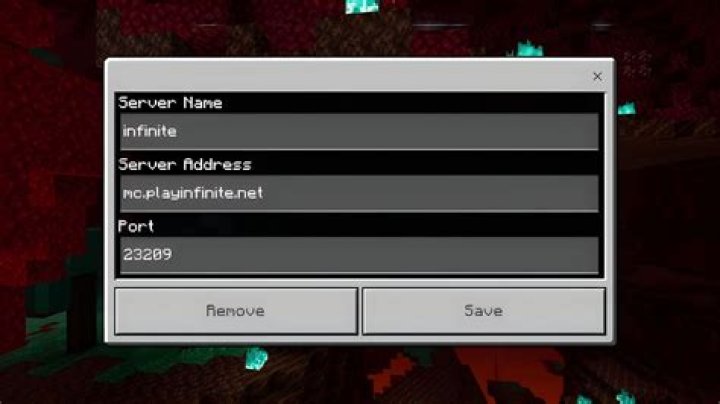
I've tried playing Surgeon Simulator 2 on the PC Game Pass, but every time I launch I get the above message. I thought maybe their servers were overloaded, but I've been trying for days now with no luck, while my friends are able to launch successfully every time.
There's lots of reports of this problem in the "app reviews", but none of them suggest any fixes. I clearly am online, since I'm posting this. Is there any way to actually play this game?
2 Answers
This tweet suggested changing my DNS to OpenDNS, which, amazingly, actually worked. Their IP is 208.67.222.222 (Source)
Guide on how to do this in Windows 10:
Go to the start menu and type "View Network Connections"
Right-click your ethernet adapter --> Properties
Click "Internet Protocol Version 4 (TCP/IP 4)". Click the words themselves, not the checkbox.
Click "Properties"
In the "General" tab, click "Use the following DNS Server Addresses"
Set your preferred DNS server to
208.67.222.222(I have Google's DNS set as an "Alternate DNS server" here, which shouldn't be necessary)
Click "ok" a few times. You should now be able to play the game.
Changing your DNS servers to a public service is a bad idea.
They did some very sloppy implementation of an internet check. The game tries to resolve (yes) and public DNS servers answer with 93.184.216.34. Example.com, however, is a reserved domain and should not be used in production (or games). Some modems or ISP's block it by default.
They will probably fix this soon, but for the time being it's safer to change your hostfile than to change your DNS servers.
Open notepad as admin
Open
C:\Windows\System32\drivers\etc\hosts(go toC:\Windows\System32\drivers\etc, click "all files" in bottom right (in the textfiles (*.txt) box) and click thehostsfile.Add a line under the last line of the text:
93.184.216.34Save the file.
Remove it after they fixed it.
*edit: added some more context.
4